

Starting a tech blog is a great way to share what you know, document your learning, build an audience, and even create an additional source of income. You don't need to know how to build a website from scratch to get started.
Several platforms make it possible to publish your first article without dealing with complicated technical setups. But choosing where to publish can be a little confusing.
Some platforms are designed specifically for developers, while others give you more control over your website, SEO, and monetization options.
I've put together a list of seven best blogging platforms worth considering, along with their features, pricing, and what each one is best suited for.
Quick Overview of Blogging Platforms
Given below is the table comparing the 7 platforms we'll be looking at in this blog
| Platform | Best For |
|---|---|
| WordPress | Building a long-term tech blog |
| Ghost | Professional blogs and newsletters |
| Hashnode | Developers and technical writers |
| DEV Community | Reaching developer communities |
| Medium | General tech articles and thought leadership |
| Substack | Tech blogs and email newsletters |
| Blogger | Beginners looking for a simple blogging platform |
Now let's get into each tech blogging platform one by one.
1. WordPress
If you want to build a tech blog that you can grow and customize over time, WordPress.org is one of the first platforms I'd consider. You don't need to know how to build a website from the ground up to use it.
You can set up a basic blog, start publishing your tech articles or tutorials, and make changes to the site as you go. There's room to keep things simple at first and add more features when you need them.
I'd recommend WordPress to people who want more control over their website and plan to explore different ways of monetizing their content in the future.
Key Features
- Customizable themes: Choose from thousands of themes to change how your blog looks and feels.
- Plugins: Need to add a contact form, improve your site's SEO, or keep it secure? There's probably a plugin for it. You can add the ones you need instead of trying to build these features yourself.
- Publishing tools: Create drafts, schedule articles, edit existing posts, and manage revisions.
- SEO capabilities: Use built-in publishing features and additional SEO plugins to optimize your articles.
- Media management: Upload images, videos, and other media to make your articles more engaging.
- Content management: Organize articles into categories and manage multiple authors and contributors.
One thing I particularly like about WordPress is its flexibility. You can start with a basic blog and add more functionality as your requirements change.
2. Ghost
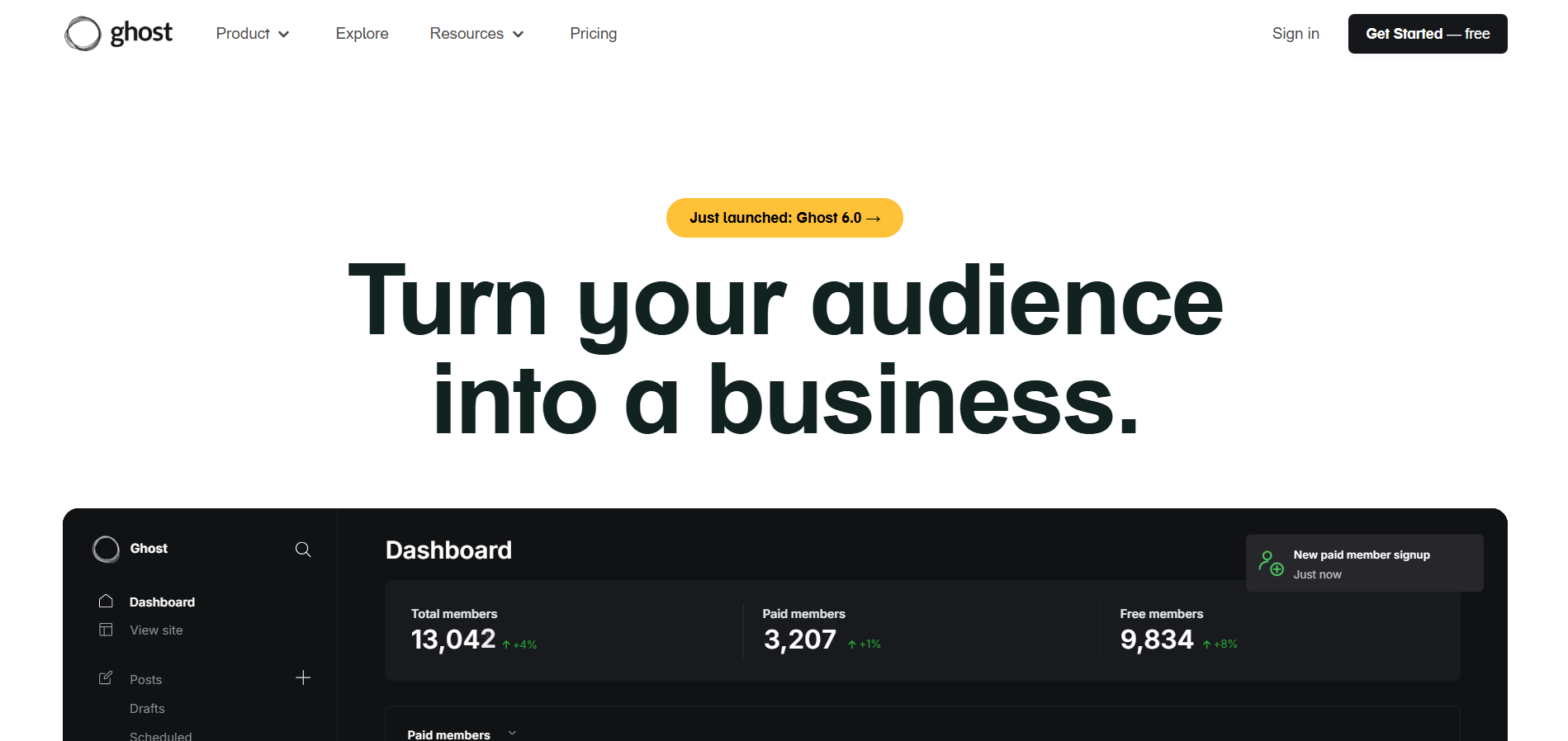
Ghost is a publishing platform designed for independent writers, bloggers, and online publications.
Unlike platforms that focus heavily on customization through plugins, Ghost puts more emphasis on writing, publishing, newsletters, and building an audience.
Ghost Blogging Platform works well for a tech publication you’d like to grow into a subscriber business. You write a post, and it can double as a newsletter, and paid memberships are there when you’re ready.
Key Features
- Built-in editor: Write and format articles using Ghost's visual editor. You can also add images, videos, embeds, and other content.
- Email newsletters: Publish a post, and it can go directly to your subscribers’ inboxes, so there’s no separate email tool to set up.
- Memberships: Allow readers to sign up for free memberships and access subscriber-only content.
- Paid subscriptions: Offer premium articles and memberships to generate recurring revenue.
- SEO tools: Ghost includes automatic metadata, XML sitemaps, canonical tags, and structured data.
- Custom domains: Connect your own domain to create a branded publication.
- Analytics: Track publication and audience performance.
What makes Ghost particularly interesting is that you don't need separate tools for your blog, email newsletter, and paid memberships. Several of these functions are already part of the platform.
Pricing
Have a look at the pricing details.
| Detail | Pricing |
|---|---|
| Platform | Ghost |
| Free Plan | Free open-source software available for self-hosting. You'll need to arrange your own hosting and domain. |
| Paid Plans | Ghost(Pro) Starter: $18/month; Publisher: $29/month (annual billing). |
3. Hashnode
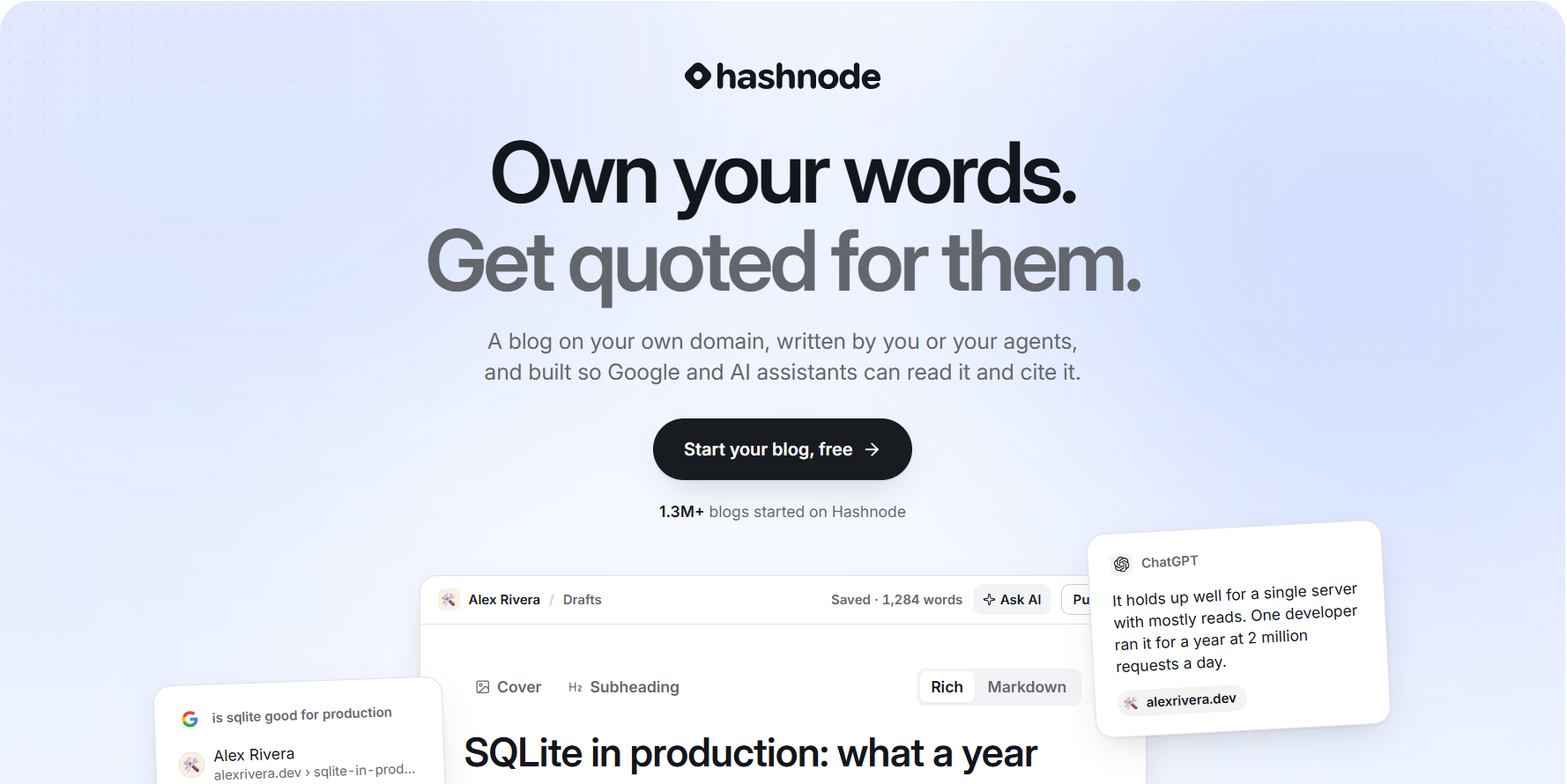
If you're a developer or technical writer, Hashnode is one of the most relevant platforms on this list. Hashnode is built around technical blogging.
It gives developers a place to share programming tutorials, coding experiences, technical explanations, and industry insights. You can start with a hosted blog and publish articles without having to build a website independently.
If you want more control later, you can upgrade to a paid plan and connect your own domain.
I'd recommend Hashnode to software developers, programmers, and technical writers who want a dedicated space to publish their work and connect with other people in the tech community.
Key Features
- Markdown editor: Write and format technical articles using Markdown, which is particularly useful when working with code snippets.
- Custom domains: Connect your own domain with the Pro plan.
- Built-in analytics: Track article performance and understand how readers interact with your content.
- Comments and discussions: Allow readers to respond to your articles and share their thoughts.
- Article series: Organize related articles into a series, making it easier to publish multi-part tutorials.
- GitHub backup: The Pro plan supports syncing posts and drafts to a GitHub repository.
- GraphQL API: Integrate your publication with other applications or build a custom website using Hashnode as a headless CMS.
The Markdown support is very useful for tech writing. If your posts have code, you can paste a snippet in the editor, and it formats properly, so you’re not struggling every time you cover a framework or a language feature.
Pricing
Let's take a look at its free and paid plans.
| Detail | Pricing |
|---|---|
| Platform | Hashnode |
| Free Plan | Includes a hosted blog, unlimited posts, Markdown editor, comments, article series, and analytics. |
| Paid Plans | Pro: $5/month or $50/year per seat. |
4. DEV Community (DEV.to)
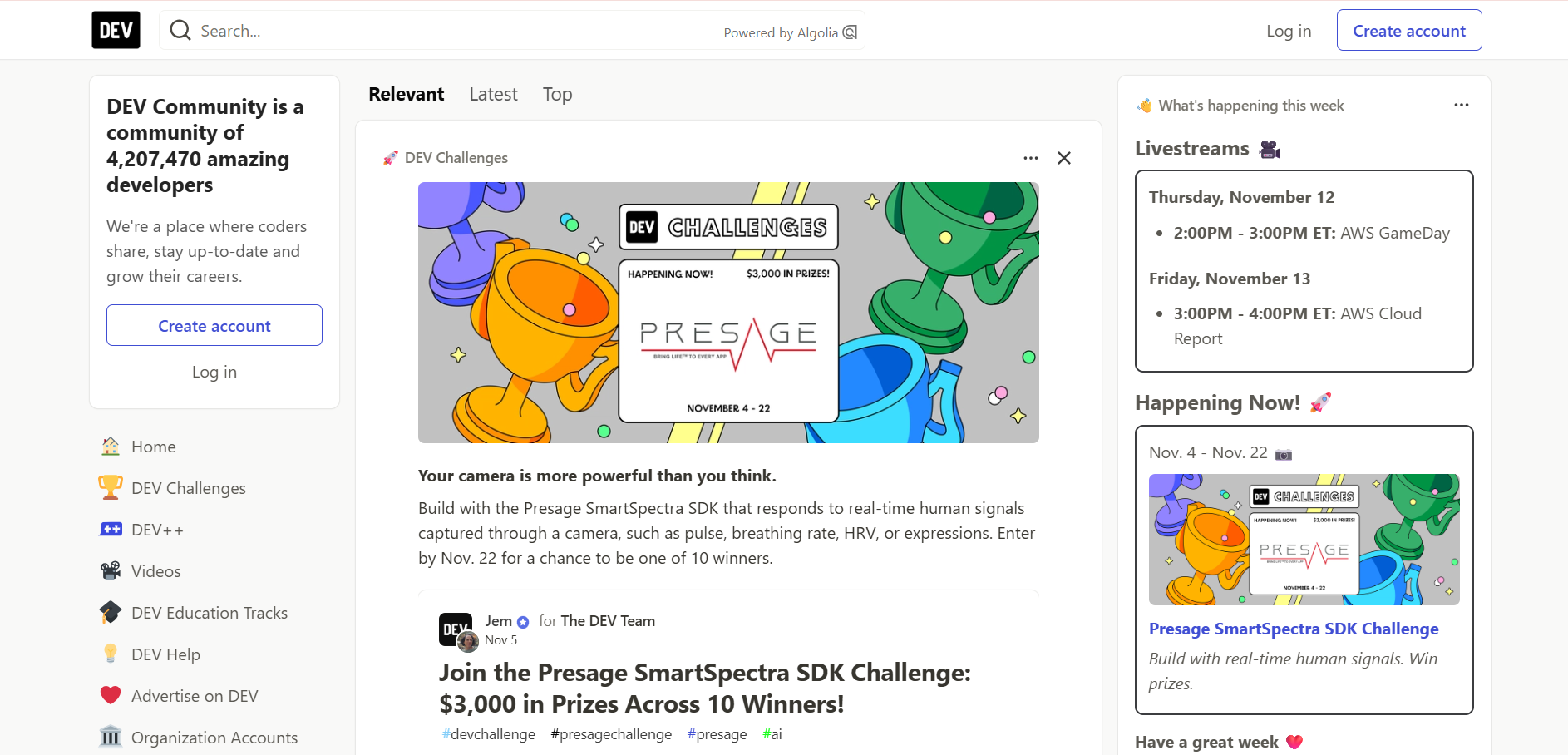
DEV, or dev.to, is basically a blog-style community for developers. People post tutorials, opinions, and things they’re stuck on, and others jump into the comments.
Unlike WordPress or Ghost, DEV.to is not primarily designed to help you build an independent website. Instead, it gives you an existing developer-focused publishing community where you can share your work.
You can write about programming, software development, AI, cybersecurity, web development, and other technical topics.
I'd recommend DEV.to if you're starting out and want to publish technical articles, receive feedback, and become part of a developer community without setting up your own website.
Key Features
- Article publishing: Publish tutorials, technical guides, coding explanations, and personal experiences.
- Developer community: Connect with developers who are interested in similar topics.
- Comments and reactions: Readers can interact with your articles and share their opinions.
- Tags: Categorize your articles using relevant technology and programming tags.
- Following: Build a following and notify readers when you publish new content.
- Discussions: Participate in conversations and learn from other developers.
One advantage of DEV.to is that publishing is only one part of the experience. You can also participate in discussions, respond to questions, and learn from the experiences of other developers.
Pricing
Given below are the pricing details of DEV.to.
| Detail | Pricing |
|---|---|
| Platform | DEV Community (DEV.to) |
| Free Plan | Free standard article publishing, including access to the developer community, comments, reactions, tags, and discussions. |
| Paid Plans | No paid plan required for standard article publishing. |
5. Medium
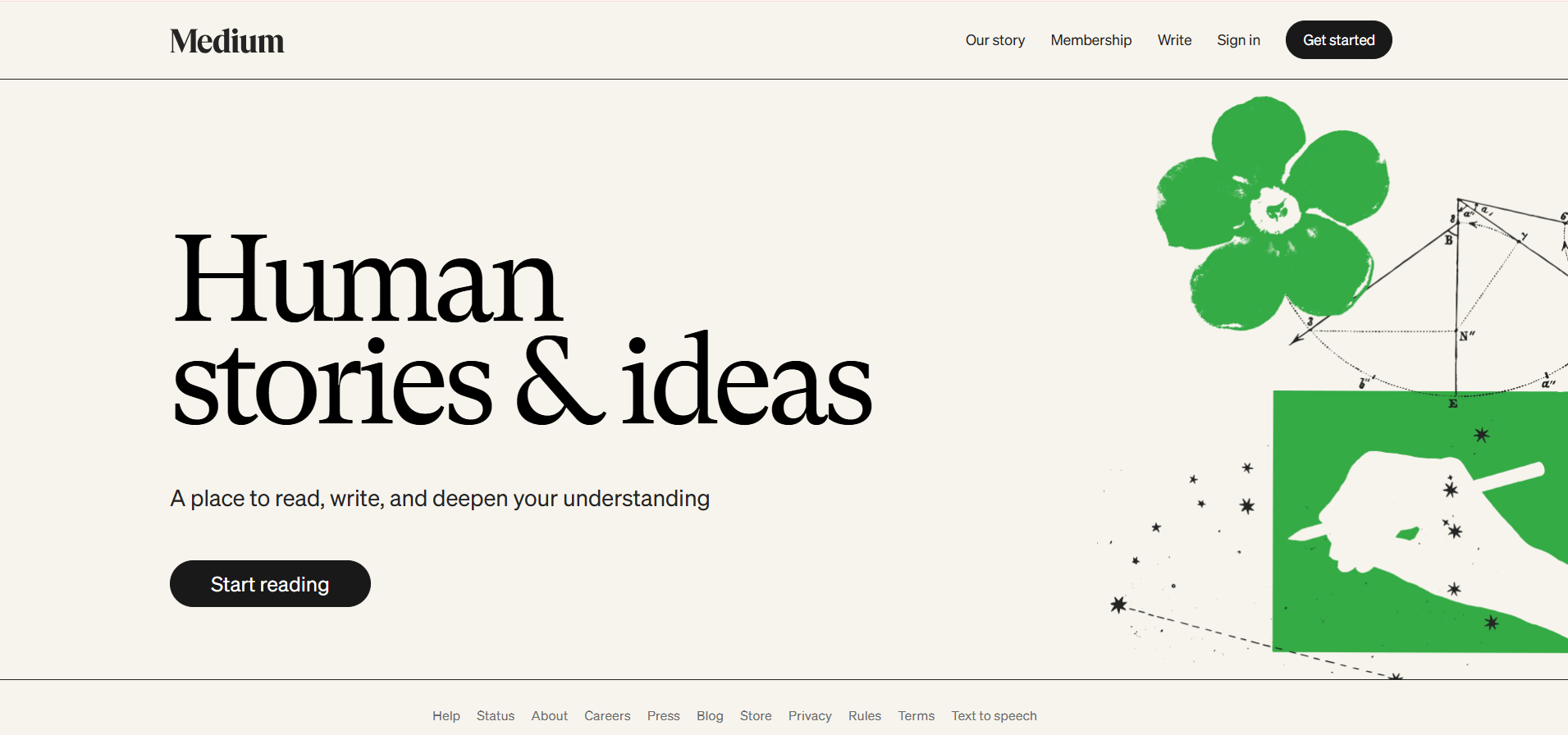
Medium is a blogging platform where anyone can write and publish, and you’ll find posts on a lot of topics like tech, business, programming, AI, and plenty more.
One of the biggest advantages of Medium is that you don't have to worry about setting up a website, choosing a theme, or managing hosting. You can create an account, write your article, and publish it.
Medium also has an existing reader community. Your articles can reach people who follow relevant topics, authors, and publications on the platform.
I'd recommend Medium to people who want to focus on writing rather than managing a website. It's also a good option for sharing technology opinions, industry observations, tutorials, and personal experiences.
Key Features
- Simple writing editor: Create and format articles without dealing with website development.
- Built-in readership: Reach readers who follow relevant topics and publications.
- Publications: Submit articles to publications that bring together writers covering similar subjects.
- Recommendations: Medium distributes stories to readers based on their interests and the publications they follow.
- Engagement tools: Readers can clap for articles, leave responses, highlight passages, and follow writers.
- Partner Program: Eligible writers can earn money based on engagement with their stories from Medium members.
What I find useful about Medium is that you can concentrate on developing your writing and building a readership without having to manage the technical side of running a blog.
Pricing
Pricing details are given below.
| Detail | Pricing |
|---|---|
| Platform | Medium |
| Free Plan | Create an account and publish articles for free. |
| Paid Plans | Medium Membership: $5/month or $50/year. An active membership is one of the eligibility requirements for the Medium Partner Program. |
6. Substack
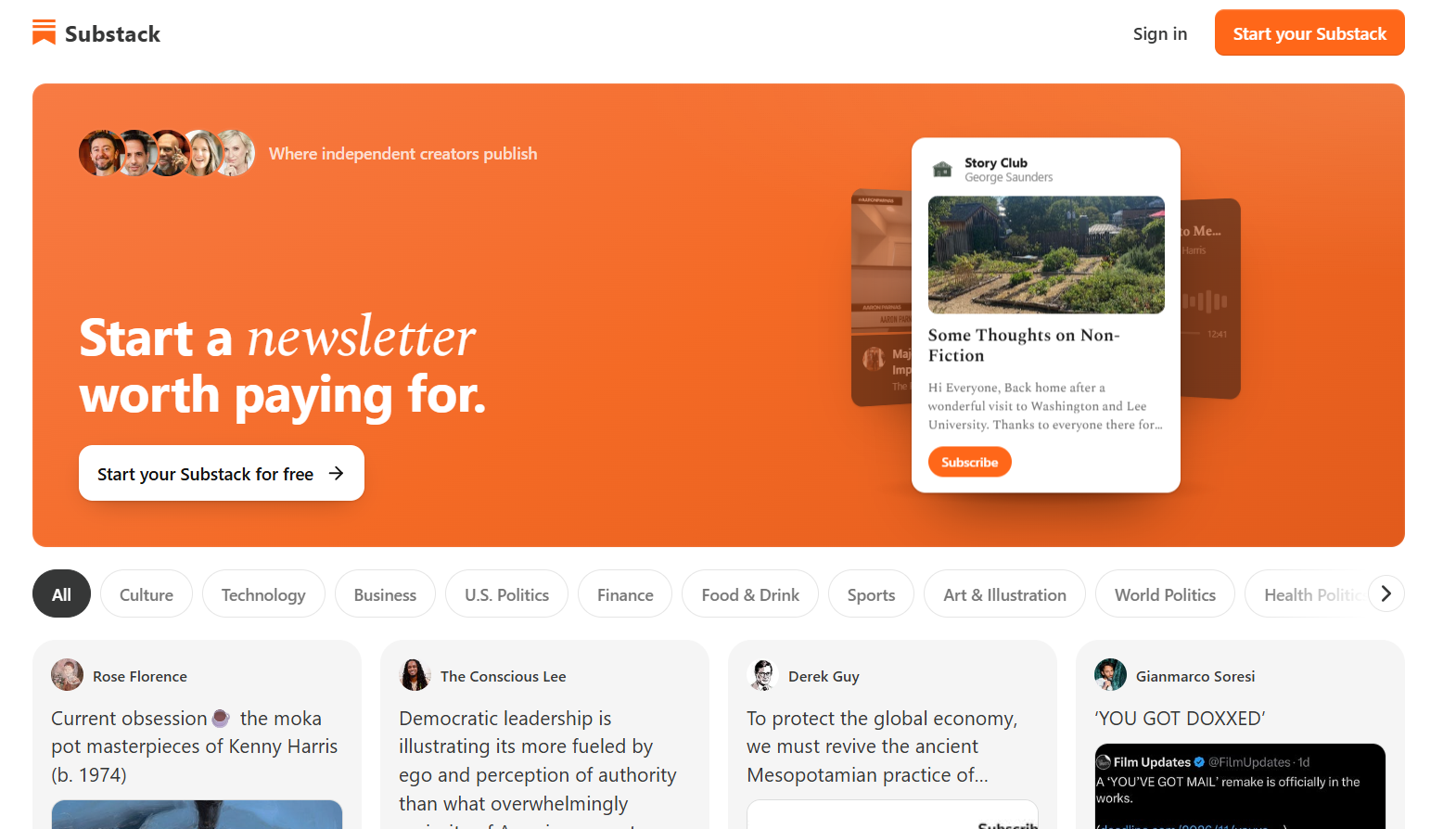
Substack is a publishing platform that combines blogging and email newsletters. It's particularly useful if you want to build a direct relationship with your readers rather than depending entirely on website traffic.
You can publish articles on your Substack publication and send them directly to subscribers through email.
For a tech blog, this could mean sharing weekly AI updates, software development insights, cybersecurity news, or longer technology explainers.
I'd recommend Substack to writers who enjoy creating regular content and want to build an email audience alongside their blog.
Key Features
- Blog publishing: Publish articles on your own Substack publication.
- Email newsletters: Send articles and updates directly to subscribers.
- Free subscriptions: Allow readers to subscribe to your publication without paying.
- Paid subscriptions: Offer premium content to readers who are willing to pay.
- Custom domains: Connect a custom domain to your publication.
- Subscriber management: Build and manage your email subscriber base.
- Audience engagement: Interact with readers through comments and other community features.
What makes Substack different is its email-first approach. Your blog doesn't have to depend entirely on people visiting your website. You can also reach readers through their inboxes whenever you publish something new.
Pricing
Pricing details are given below.
| Detail | Pricing |
|---|---|
| Platform | Substack |
| Free Plan | Free to publish articles, send newsletters, and build a subscriber list. |
| Paid Plans | Substack charges 10% of paid subscription revenue, plus Stripe processing fees. Connecting a custom domain costs a one-time fee of $50. |
7. Blogger

Blogger is Google’s free blogging platform. It’s about as easy as it gets: you sign up, start writing, and Google handles the hosting, so there’s no server to set up and no CMS to figure out.
You can create a blog, choose its address, customize its appearance, and start publishing articles.
For someone starting their first tech blog, Blogger can be a reasonable place to experiment with writing and understand how blogging works.
Good for beginners. It’s simple, and you won’t be tweaking much, which is fine if all you want to do is publish.
Key Features
- Simple publishing: Create, edit, and publish blog posts through a straightforward interface.
- Blog customization: Choose how your blog looks and adjust its design.
- Custom domains: Connect a domain that you purchase from a domain provider.
- Content management: Manage who can read and edit your blog.
- Google AdSense integration: Apply to display advertisements on your blog, subject to eligibility and AdSense policies.
- Media support: Add images and videos to your articles.
One thing worth considering is that Blogger is relatively simple compared with WordPress. If you eventually want extensive website customization or a more advanced publishing setup, you may find its features limiting.
Pricing
Blogger's pricing details are as follows.
| Detail | Pricing |
|---|---|
| Platform | Blogger |
| Free Plan | Free to create and publish a blog using a Blogspot address. Hosting is included. |
| Paid Plans | No paid blogging plans. You only need to pay separately if you want to use a custom domain. |
Conclusion
Honestly, don’t overthink it. Pick a free platform, write about what you know, and keep posting. The audience comes slowly, but it does come. But I think it's worth looking beyond how easy a platform is to use.
Consider what you want your blog to become a year or two from now.
If you want to build a website that you can customize, optimize for search engines, and monetize in different ways, WordPress is a strong starting point.
If you enjoy writing about programming and sharing technical knowledge with other developers, Hashnode and DEV.to are worth exploring.
And if your main goal is to build a readership through regular articles and newsletters, Medium and Substack offer a simpler way to get started.
You don't have to choose the most feature-rich platform right away. Start with one that makes you want to publish consistently.
You can always move to a more advanced setup as your blog grows.